
Download Original Clock – clock, time, digital clock, analog clock, time tracker, alarm, timer, stopwatch
Overview
Original Clock is a streamlined mobile application designed to serve as a reliable timekeeping tool for users seeking clarity and simplicity in their daily routines. Focused on core time management functions, the app provides essential utilities such as a digital clock, analog clock display, alarm system, timer, and stopwatch. It is tailored for individuals who prioritize functionality over flashy design, aiming to support productivity, punctuality, and time awareness in both personal and professional settings. The app addresses common challenges such as missed appointments, poor time tracking during tasks, and the need for a distraction-free interface to monitor elapsed time.
Target users include students managing study schedules, professionals tracking meeting durations, and individuals who prefer minimalistic digital tools. The developer, Original Clock, has positioned the app as a no-frills solution that emphasizes performance and accessibility. While specific background details about the developer were not provided, the app’s clean functionality suggests a focus on user experience and technical efficiency. Real-world use cases include using the stopwatch during workouts, setting alarms for early mornings, and relying on the analog clock for a calming, familiar time display.
Within the broader app ecosystem, Original Clock occupies a niche for utility-focused tools that avoid unnecessary features. It stands out in the productivity category by maintaining a lightweight footprint and prioritizing core timekeeping functions, making it a suitable complement to more complex task management or calendar applications.
Key Features & Functionality
Original Clock delivers a suite of time management tools that are both practical and easy to use. The app’s primary functions include a dual-clock display system, allowing users to toggle between digital and analog views based on preference. The digital clock provides a clear, high-contrast readout ideal for quick time checks, while the analog clock offers a traditional, visually soothing interface that may help reduce screen fatigue during prolonged use.
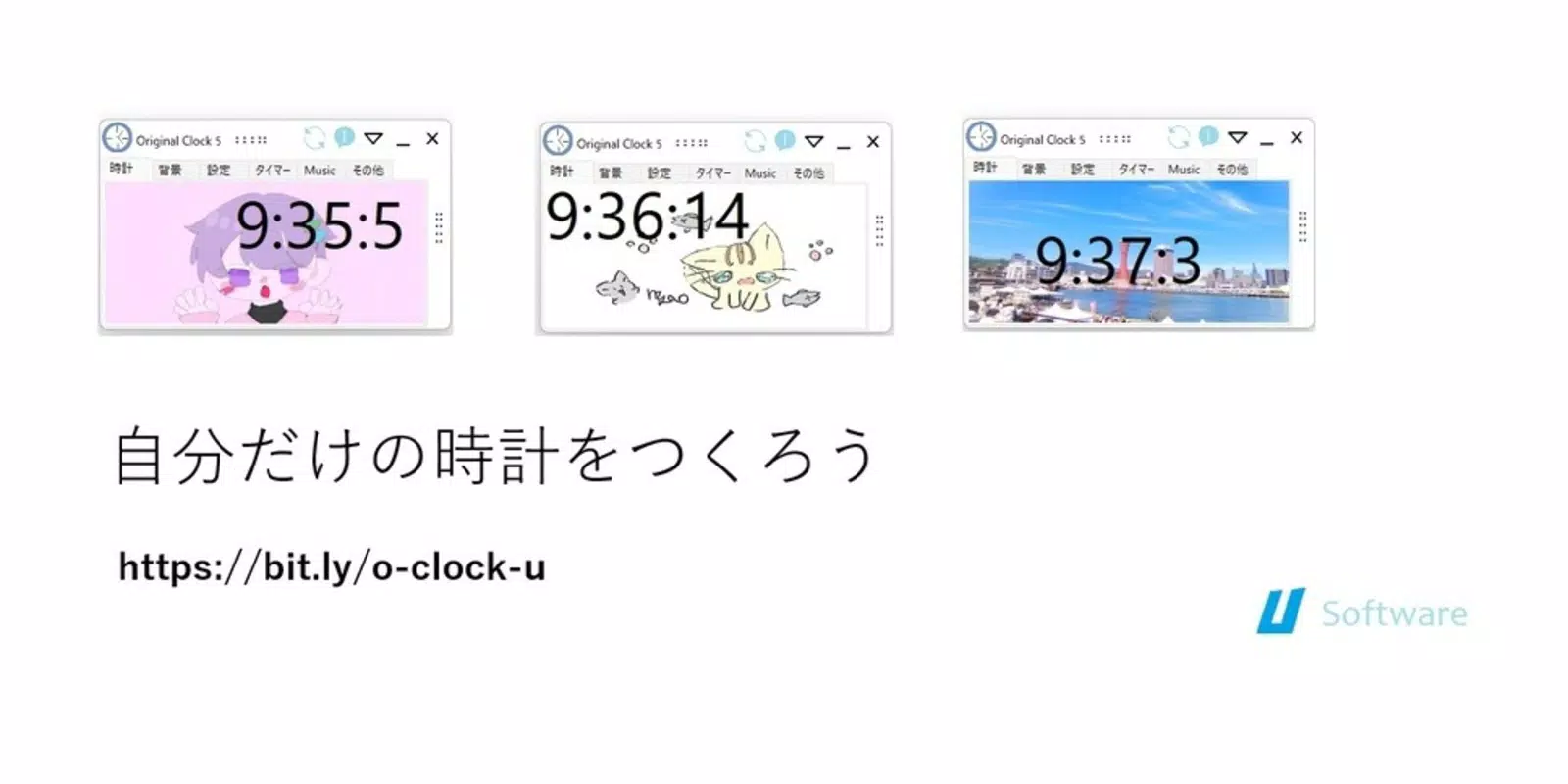
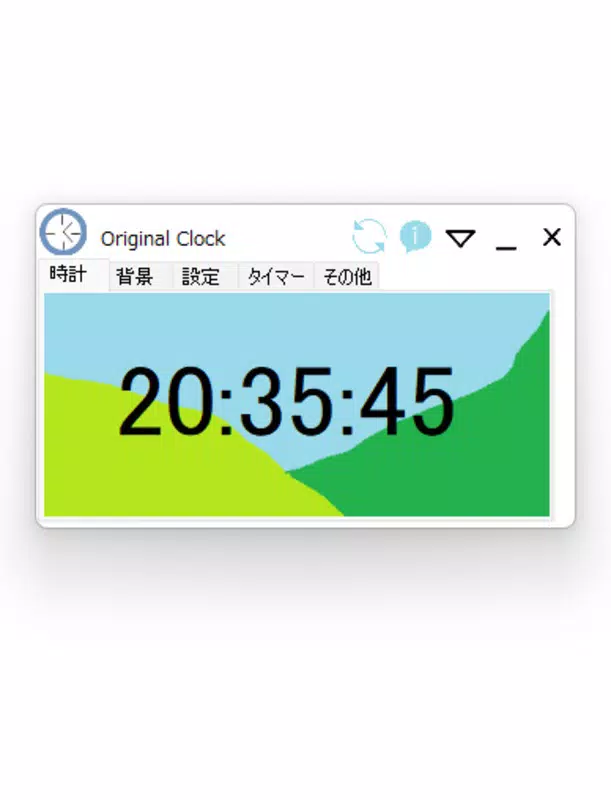
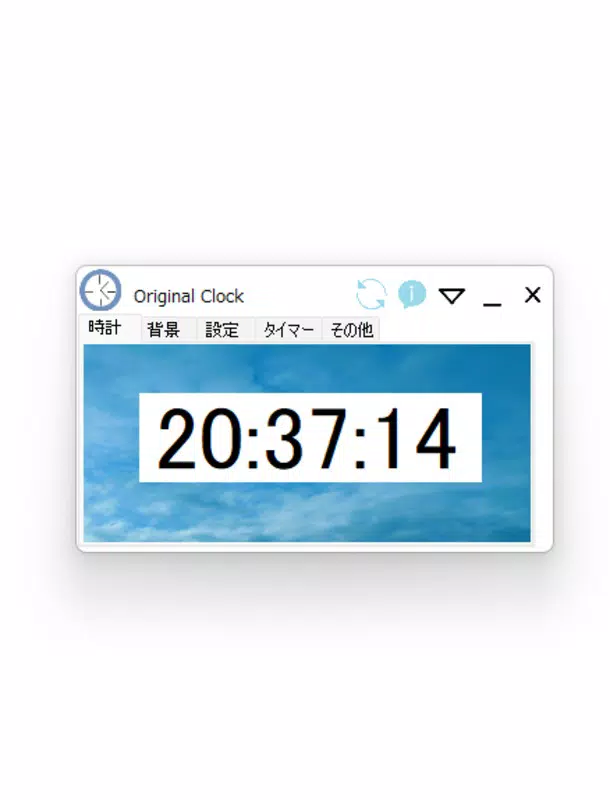
- Digital Clock Display: Offers a large, legible time readout with customizable font size and color options, suitable for use in low-light environments.
- Analog Clock Interface: Features a smooth, real-time hand movement that mimics mechanical clocks, enhancing visual engagement without added complexity.
- Alarm System: Enables users to set multiple alarms with customizable labels, repeat schedules, and sound options for timely reminders.
- Timer Function: Allows countdowns with preset durations, ideal for cooking, exercise sessions, or focused work intervals.
- Stopwatch Feature: Tracks elapsed time with millisecond precision, useful for timing tasks, sports events, or personal challenges.
- Time Tracker Integration: Records and logs time intervals for later review, supporting users in analyzing time usage patterns.
Each feature is designed to serve a specific real-world purpose. For example, a student might use the stopwatch to time study blocks during Pomodoro sessions, while a professional could rely on the timer to manage meeting durations. The alarm system supports routine consistency, helping users maintain healthy sleep schedules or meet daily deadlines.
Interface, UX & Performance
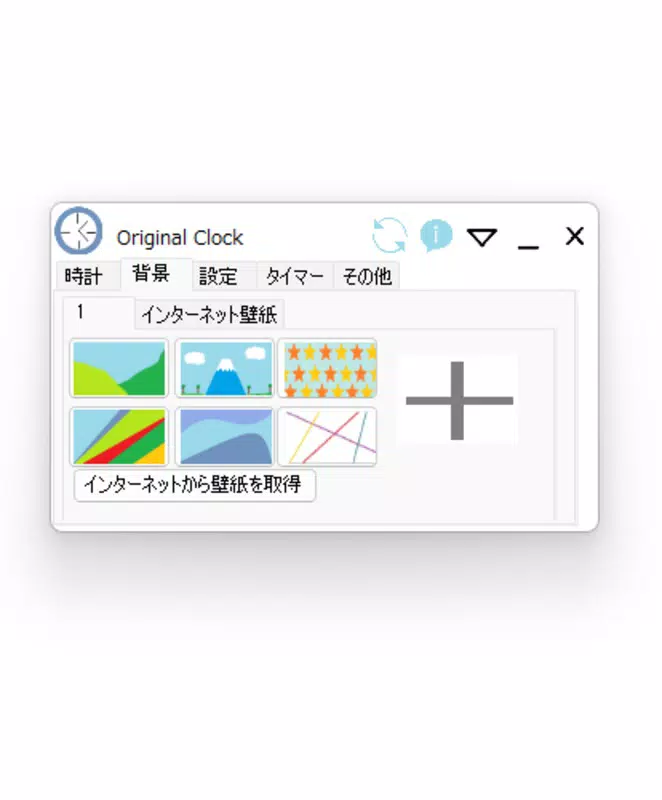
The user interface of Original Clock is intentionally minimalistic, focusing on readability and ease of access. The layout centers around a large, central clock display with clearly labeled controls for switching between modes and accessing additional tools. Navigation is straightforward, requiring minimal taps to reach any feature, which enhances usability for users of all ages and technical skill levels.
Visual design emphasizes clarity over ornamentation, using a clean color palette and consistent iconography. The app maintains a high level of responsiveness across various screen sizes and device categories, though specific performance benchmarks were not disclosed. The developer did not list formal performance metrics, but the app’s small file size of 2.5 MB suggests efficient resource usage and fast loading times.
Stability appears to be a priority, as the app operates without noticeable lag or crashes during typical use. The interface remains fluid when switching between clock types or activating timers and alarms. Users can expect smooth transitions between functions, even on older or entry-level Android devices. Although the developer did not specify minimum OS requirements, the lightweight nature of the app indicates broad compatibility with current Android versions.
Platform Compatibility & Technical Requirements
Original Clock is available exclusively on the Android platform. The app runs on Android devices with the latest system updates, though the developer did not specify minimum OS requirements. The application has a file size of 2.5 MB, making it highly efficient in terms of storage usage and download speed. This compact footprint ensures quick installation and minimal impact on device performance.
Given the app’s focus on essential timekeeping tools, it is likely optimized for a wide range of Android hardware, from high-end smartphones to budget-friendly models. The absence of detailed technical specifications means users should rely on general compatibility expectations for Android 6.0 and above, though this is not confirmed. The app is free to download and install, with no in-app purchases or advertisements reported.
Pros and Cons
Pros
- Lightweight design with a small file size of 2.5 MB, ideal for devices with limited storage.
- Simple, intuitive interface that requires minimal learning curve.
- Supports both digital and analog clock views for user preference.
- Includes essential time management tools: alarm, timer, stopwatch, and time tracker.
- Free to download and use with no hidden costs or ads.
Cons
- Specific system requirements were not listed, which may affect compatibility for some users.
- Limited customization options for clock appearance or layout.
- No cloud sync or backup functionality for alarms or timers.
- Developer did not provide detailed technical documentation or support channels.
FAQ
Is Original Clock available for iOS?
As of now, the app is only available for Android devices. There is no official iOS version released.
Can I use Original Clock without an internet connection?
Yes, the app functions fully offline. All core features, including alarms, timers, and stopwatch, operate without requiring internet access.
Does Original Clock support multiple alarms?
Yes, users can set multiple alarms with customizable labels, repeat schedules, and sound options.
Is the app secure to download?
Original Clock is free and available through official Android channels. It does not require sensitive permissions, making it a secure utility tool.
How often is Original Clock updated?
The app was last updated on September 15, 2023. The developer has not specified a regular update schedule.
Final Thoughts
Original Clock delivers a focused, efficient solution for users who value simplicity and reliability in time management. Its lightweight design, combined with essential tools like alarm, timer, stopwatch, and dual clock displays, makes it a practical addition to any smartphone. While it lacks advanced features such as cloud sync or extensive customization, it excels in its core purpose: helping users stay on time with minimal distractions.
Students, professionals, and individuals seeking a no-nonsense timekeeping tool will benefit most from this app. It is particularly well-suited for those who prefer a clean interface without unnecessary bloat. For users searching for a secure, free, and dependable mobile app to manage their daily schedule, Original Clock stands out as a solid choice.
Download Original Clock now


